Media
How to add media on Medialister
Adding and listing media on Medialister is quick and straightforward. Follow the steps below to set up your publisher dashboard and make your offers available to clients.
How to Add First Media
If you haven’t added any media to your organization yet, a clear call to action will appear when you open the publisher dashboard. You can’t bypass it, since adding media is the first step to start using the publisher dashboard.
How to Add More Media
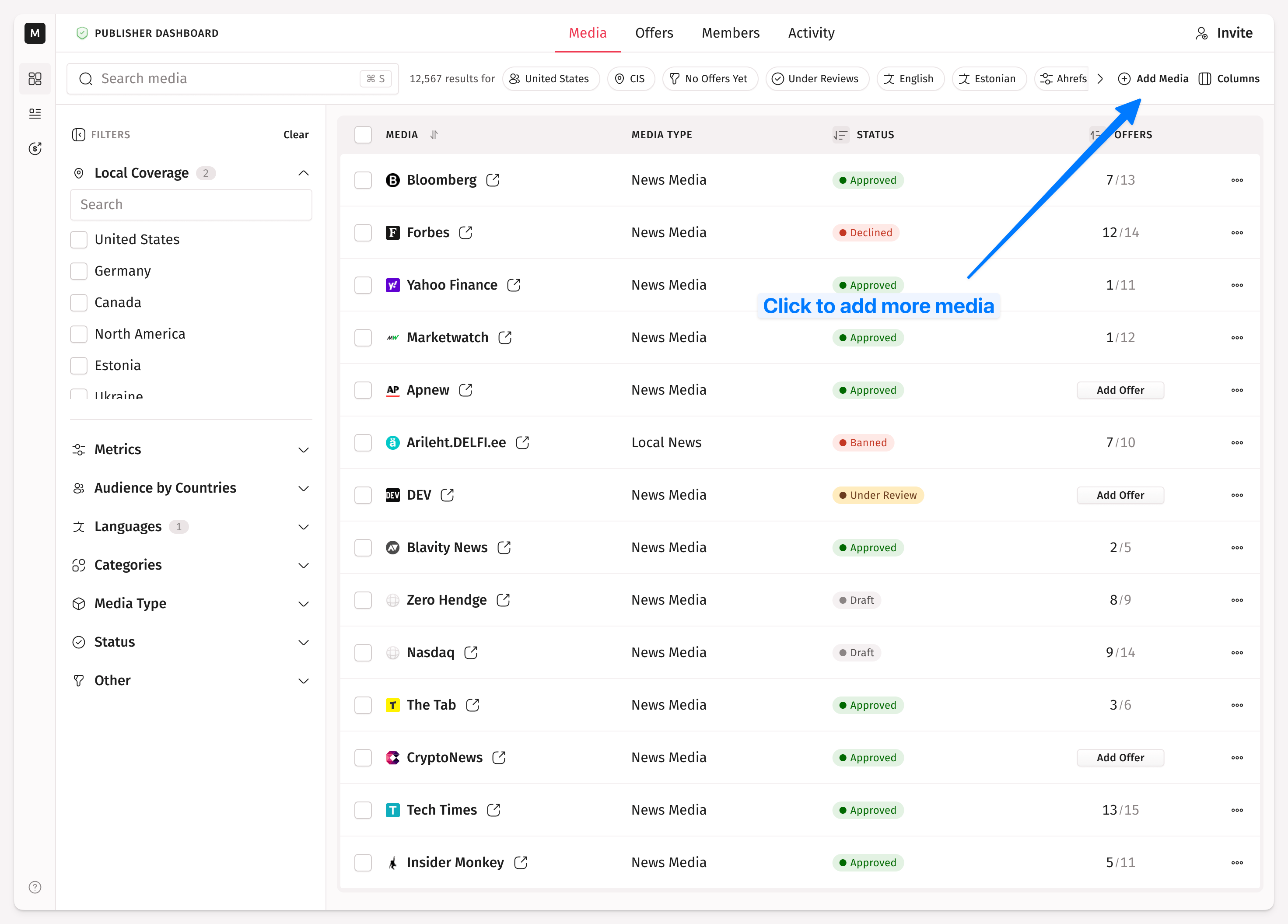
Once in the publisher dashboard on the media tab, you’ll see an option in the header:
Click "Add Media"
Provide essential details following the single media setup flow
The setup flow also has an optional description field, up to 500 characters, that clients see on your offer page. It can't contain links, emails, or phone numbers. You can add or edit it later from your profile's Media settings.
The system will fetch third-party SEO and traffic data after you submit your new media.
Note: By default, "Add Media" takes you straight to the single media setup flow. Adding multiple media at once (batch upload) is available only to approved publishers on request. See Bulk Media Upload for details.
Blacklisted Domains
Medialister blocks a set of domains from being added as media. If you submit a blacklisted domain, single or as part of a batch, it's rejected automatically and won't reach the review queue.
How to Verify an Organization?
Please note: your media won't be listed in the marketplace until the verification is complete. Medialister uses Stripe Connect for Know-Your-Business (KYB). After adding a media, the system will ask for the country where the business is legally located. Once you click "Start Verification," everything will proceed through the Stripe KYB.
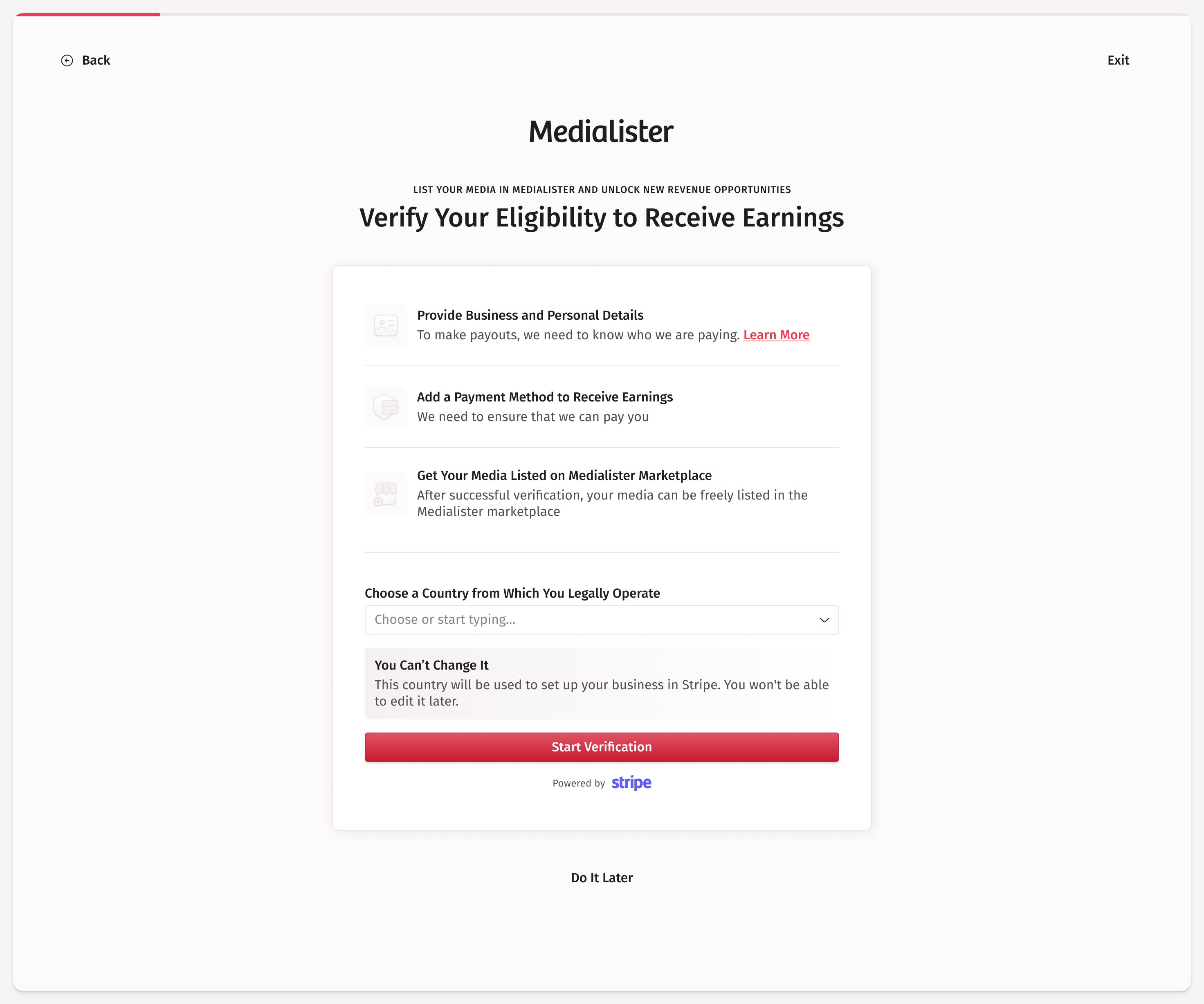
More information about the verification process can be found here.