Marketplace Basics
Learn how the marketplace works
Medialisters’s marketplace is the place where you can choose media where you want to get your content published.
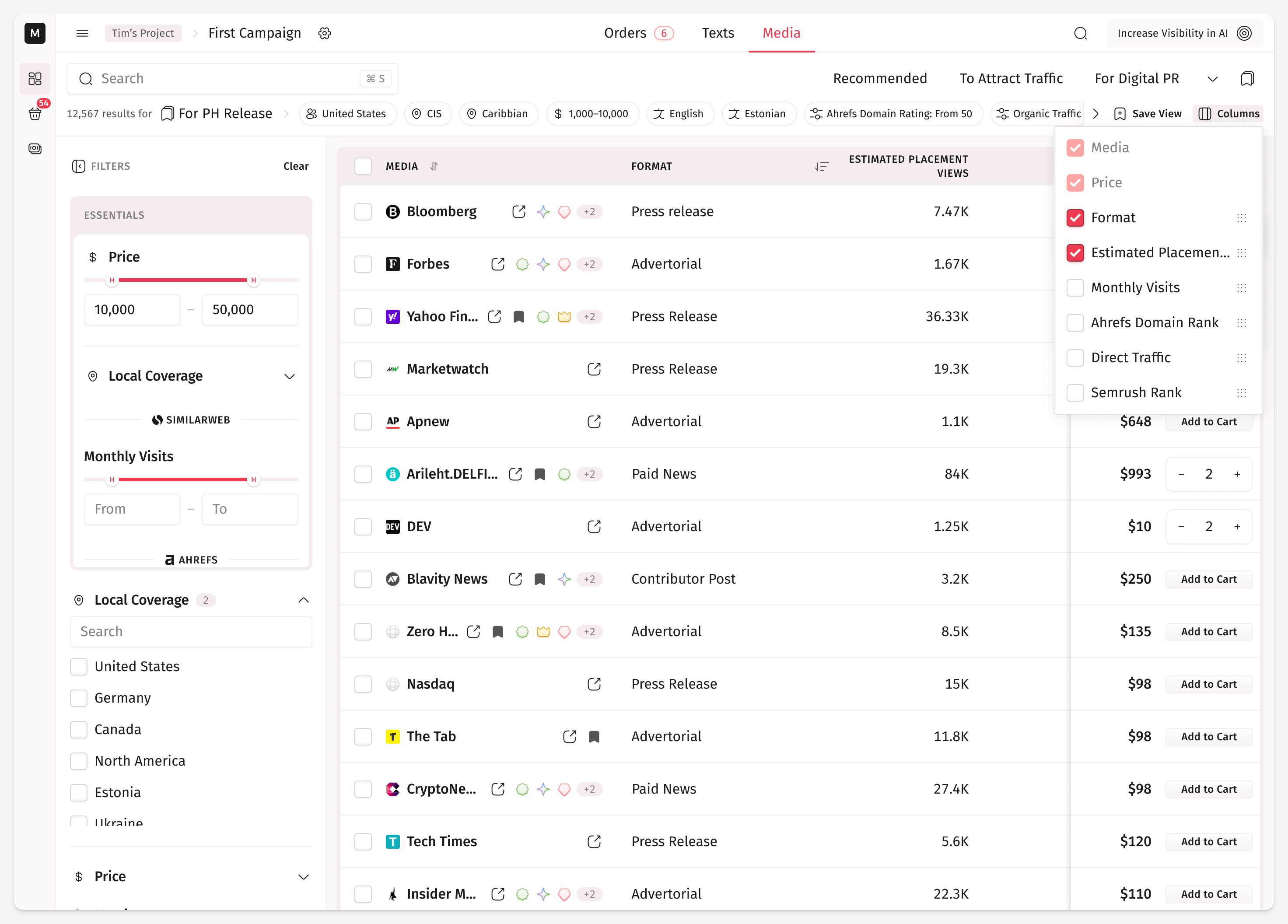
Click the Marketplace link in the header and check what it can offer:
A customizable table of listed media
The search
The filters
The sorting options
Bookmarks and saved views.
By default, you see the media recommended to a campaign you currently working with.
If you want to be published in a particular media, type its name in the search input. But if you don’t know where exactly you want an article, use the combinations of filters and sorting options to find a proper publication.
To get a better look at the media you are interested in, click on a table row. Afterwards, you’ll see the detailed media page with article examples, SEO and engagement metrics, and its conditions.