Medialister changelog
October, 2025
Client Side
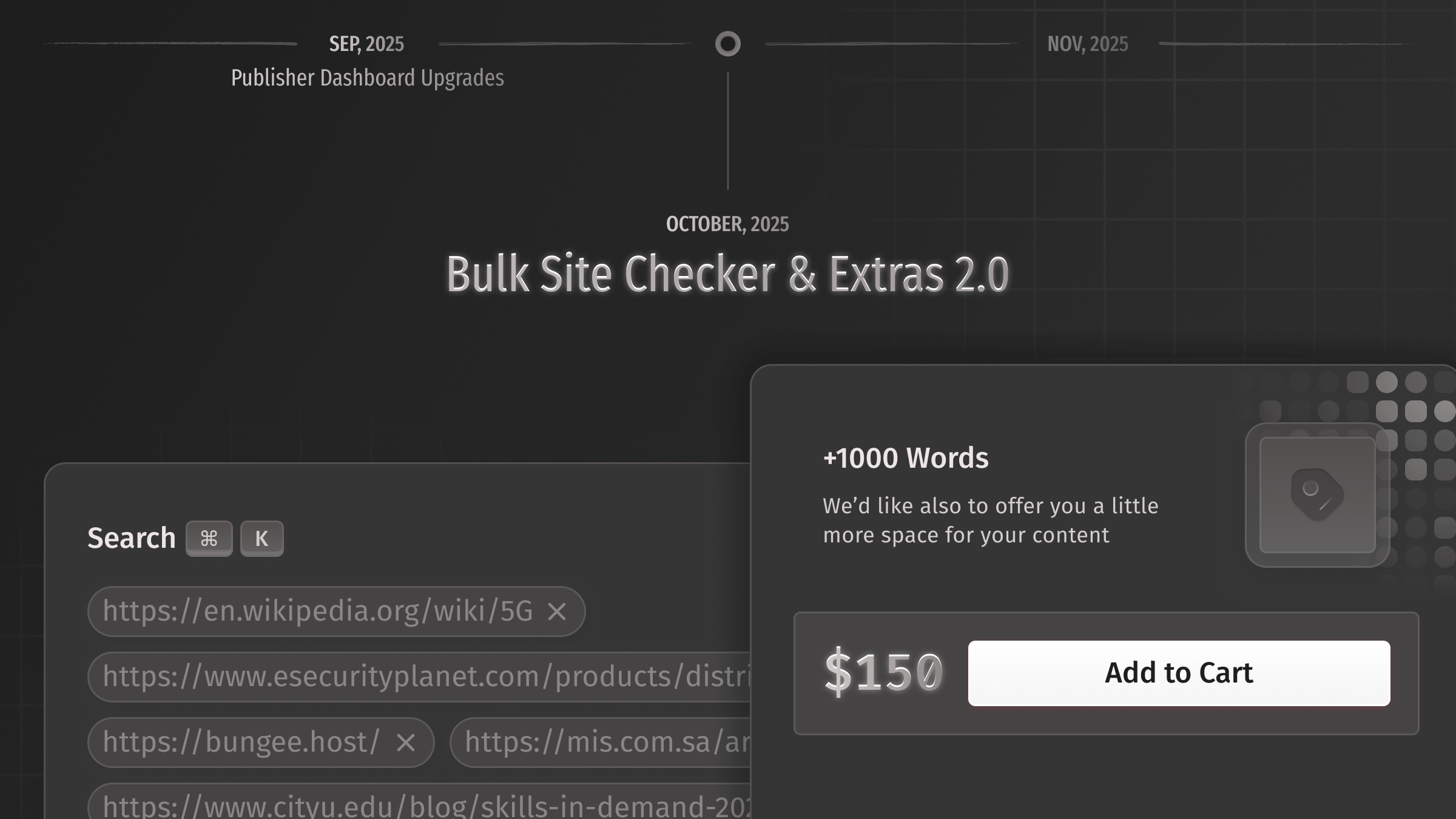
A few months ago, we launched Extras in chats—a feature that allows publishers to send additional offers directly to clients within a chat, and clients to accept it. With today’s release, Rodion, Sergey, and Daniil are rolling out Extras 2.0.
Extras 2.0 in action:
Put extras in the cart right from the offer page.
Add extras to your bookings from the cart.
Buy extras directly from orders.
A new Extended Guarantee extra is now available, providing longer coverage for your placements. Learn more here.
Purchase writing services that allow publishers to edit your order content.
The marketplace updates:
A new bulk site checker feature is now live, allowing clients to search hundreds or even thousands of domains and URLs directly from the search bar. Kudos to Pavel and Yerkebulan for making it feel so smooth. After searching this way, all marketplace features—including filters, sorting, and bookmarking—are available.
Proper rounding of cents has been added. Previously, the amount was sometimes shown as
$10.1.The "Add to Cart" button will no longer stick too close to the edge in some cases within the tables.
Sensitive topics are now sorted alphabetically in the filters.
The cart and checkout fixes:
The system now takes into account the minimum top-up fee of
$0.50.Previously, if the client's balance was available but the cart exceeded this amount by less than$0.50, a hidden error would block the booking. Now, we allow these bookings to proceed by returning the extra cents needed to meet the minimum amount back to the client balance.
The dashboard changes:
The order columns are now clearly separated with a gradient fill.
The billing upgrade:
Sergey has now ensured that the client billing profile and the publisher's billing profile are completely separate and can be configured independently.
TIP: Use an SEO tool like Ahrefs, DataForSEO, or another option to find backlinks to your competitor’s website. Copy and paste those links into the marketplace search. This way, you can easily replicate your competitor’s strategy.
Publisher Dashboard
Extras 2.0 are also coming to the publisher dashboard:
Publishers can manage their extras from the new extras management page in settings.
Mark extras as
Publicto make them available in the marketplace for offers and media, in the client's cart, and in orders. This allows clients to easily purchase them at any time.Choose to display specific extras for certain offers or for all offers within a media.
Mark extras as
Writingif they include a writing service, allowing the publisher to edit order content or parts of it for clients.
The offer updates:
The recommendation block for the offer preview has been removed as not relevant.
The empty offers table now features updated text and a clearer explanation of the next steps.
When adding or editing an offer, Artur has introduced an option to set the text volume to unlimited.
Now, it's possible to set the number of allowed links much higher than before. Previously, the maximum was 5.
The media updates:
Artur and Pavel have implemented asynchronous import for media batches. Now, when adding multiple domains, a new status, "Checking...," appears to indicate in real-time if any media remain to be imported before setup begins. Previously, this process was unclear and could result in some media not being imported if the list was huge enough.
Payouts updates:
Sergey and Yerkebulan have also added the billing details form to the payout page, which is synced with the Stripe Connect account. If no billing information was provided during the verification process, we will ask publishers to complete the form before making a payout.
Other Changes
Radio button groups now have appropriate spacing between elements. Previously, the gaps were too large.