
↵Open
Medialister changelog
November, 2026. 2nd Batch.
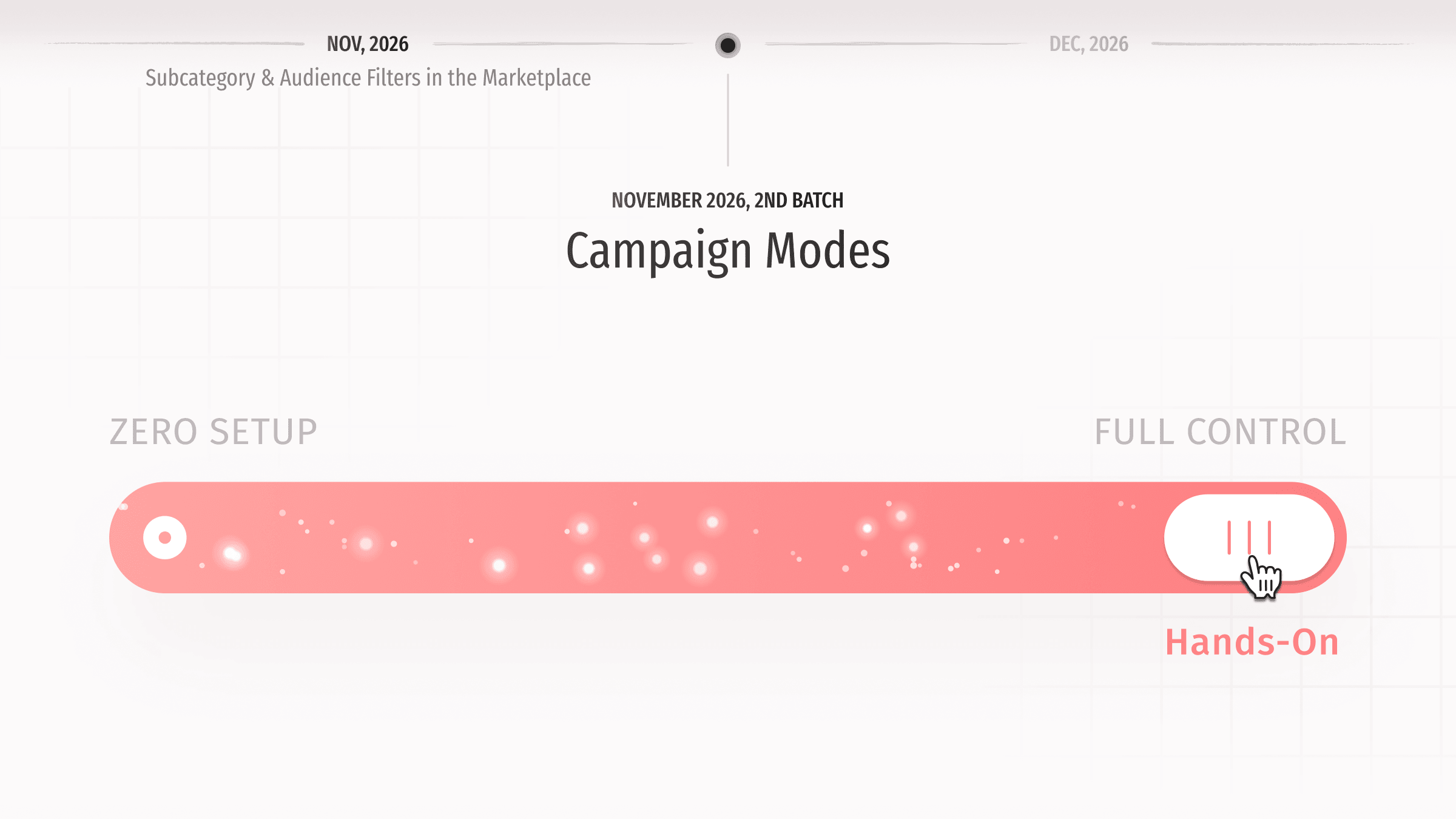
Not every team runs campaigns the same way, so we added campaign modes. When you create a campaign, you now pick how you want to work: "Domain-Based Insights" if you are growing search traffic and want offers matched to your domain's keywords, or "Full Marketplace" if you prefer searching and filtering 100,000+ placement offers yourself.
The interface adjusts to match your choice. In an Insights campaign, you land on the "Insights" tab without the "Media" tab or goal button in the way. If your project does not have a domain yet, we will ask you to connect one right away. Full Marketplace campaigns open on the "Media" tab, walk you through the goal step, and hide the keyword tools. You can spot a campaign's mode by the small icon next to its name in the header, project view, and campaigns menu, and you can switch modes anytime in campaign settings.
Anton designed the mode picker, Yerkebulan built it across campaign creation, editing, and navigation, and Yevheniia tested every path before release.
Improvements
Publisher dashboardWebhooks are now available. Add a callback URL in your organization settings to get a signed notification whenever an order needs action or is canceled. You can check recent deliveries, fire a "Send Test Event", and failed deliveries retry automatically for about 17 hours. To turn webhooks on for your organization, contact support. Pavel built the system.Media managementYou can now manage media, offers, bulk imports, and orders through the publisher API using an API key. Adding media, pricing or archiving offers, downloading order content, and submitting placement links all work the same way they do in the dashboard.SupportThe API docs now have separate client and publisher references. Both cover webhooks, including events, signature verification, and the retry schedule. The publisher reference also includes a step-by-step guide for adding media and offers.Publisher dashboardExport your transactions to CSV for any date range. Each export includes the transaction ID, type, date, status, amount, media or offer name, order ID, and published article URL. Sergey and Yerkebulan built it.Publisher dashboardTransactions in billing settings now link directly to their order ID and live placement, making it easier to match payments to orders.CheckoutYou can now save a payment method in Settings → Billing → Payment Details using the same form as checkout. If you do not have one saved yet, use the "New Payment Method" button to add it.MarketplaceChecking a parent category in the "Categories" filter now expands its subcategories automatically, and unchecking it collapses them. Publishers get the same behavior when tagging categories for their media.MarketplaceOffers synced from PRNEWS.IO no longer list paid add-ons as included. If something costs extra there, like dofollow links or a social media repost, the offer now shows the base condition instead (such as nofollow links or no repost).PerformanceSearch, the offers catalog, API, and the MCP server respond faster. Daniil reworked our infrastructure to get there: a leaner search index, a shared cache, and background jobs that run apart from the app.OrdersUnlocking a complimentary placement now shows up in the activity feed as "unlocked this complimentary placement" instead of a booking.
Fixes
Offers managementAdding an offer to more than 50 media at once now applies to the full selection instead of stopping at 50.EmailsTeam members with the Editor role get email notifications for order updates and new chat messages again.