Medialister changelog
January, 2026. 2nd Batch.
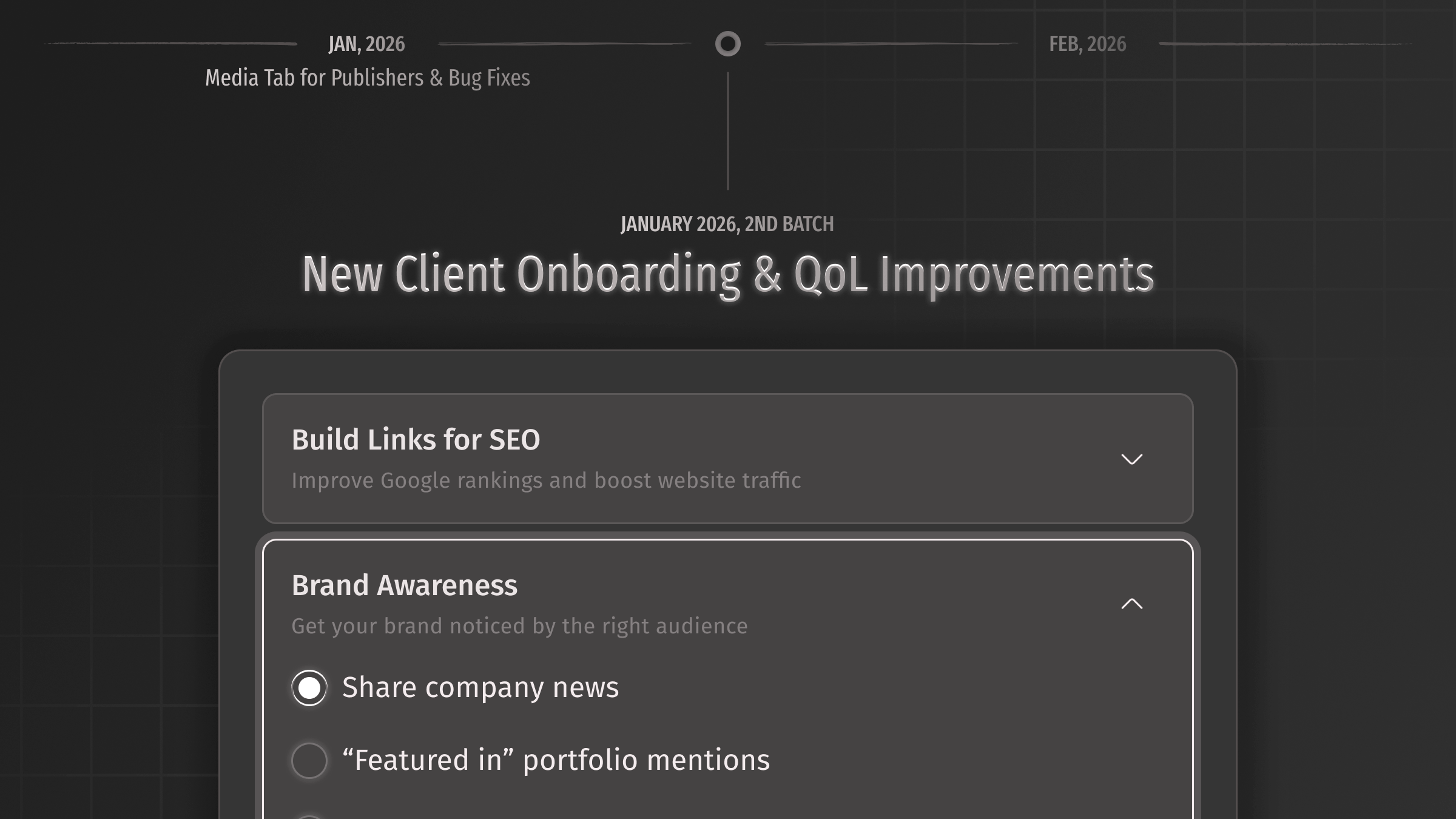
We've redesigned the client onboarding from the ground up. Previously, new users had to answer a lengthy questionnaire before they could even see the product—and many never made it through. Now, it's just one question: your segment. That's it. You're in.
Campaign goals have moved to where they actually matter. Once you're on the marketplace, you can select a specific goal (like SEO link building, brand awareness, or AI visibility). The marketplace immediately updates its set up with goal-based essential filters, columns setup, and our suggested filters and sortings will be applied. This makes the first experience far more focused and actionable.
Done by Rodion, Pavel, and Yevheniia.
Improvements
MarketplaceRebuilt slider filters for metrics with better handling of large value ranges. It is way easier now to choose lower values.MarketplaceExpanded filters block now visually indicates there is a scroll with more options.CheckoutThe “Top Up and Book” button now shows a loading spinner to indicate the process as it can take a few seconds.OrdersImproved media swap recommendations—now powered by competitor data for more relevant suggestions. Thanks to Sergey.OrdersOptimized campaigns and orders API requests for noticeably faster loading.OrdersThe publish date now better indicates what it is and when to publish content. If it’s set to “PUBLISH AFTER” (aka embargo), we block any way to send a placement link and close such orders. If it’s set to “PUBLISH BEFORE” (aka deadline), we show a warning 2 days before it to publish the content ASAP.Media managementNow, you can edit media, including multiple items at once. In the latter case, the same settings will apply to all selected media.Offers managementManagers can now see, by hovering over the offer status, that only admins can list and delist, which prevents confusion.Publisher dashboardNew empty state for the publisher dashboard with clearer design.Publisher dashboardFilters in the media and offers tabs now show only relevant options (locations, formats) based on your actual media, not everything in the marketplace.Design systemRefreshed the entire platform color palette and design system—updated form components, tables, tabs, modals, and dropdowns across the product. Kudos to Yerkebulan for this thorough overhaul.Design systemThe error color is now more clearly distinguished from the brand color. Error text is now bold for improved readability.DashboardsTransactions table now correctly shows data based on whether you're in the publisher or client dashboard.Fixes
MarketplaceFixed the same media appearing in its own recommendations on the offer page.MarketplaceChanged the bulk mode search icon.MarketplaceFixed bookmark counter not updating in real time.MarketplaceFixed an issue where bulk search mode showed an error when users entered unexpected symbols.CartFixed item count not updating properly when removing or adding items.CartFixed breadcrumb icons to match current designs.CheckoutFixed "Top Up + Book" incorrectly redirecting to "Book" when balance was insufficient.CheckoutAdded the "State" field to billing profiles for all countries—no more re-entering it at every checkout.CampaignFixed long email addresses pushing "Invitation sent" text off-screen.Media managementFixed a bug where adding a single media item showed “Magic has broken” at the last step, instead of displaying a proper preview with metrics and other data.Publisher dashboardFixed right-side spacing inconsistency in the media table.Publisher dashboardFixed "Under review" status text color to match designs.OrdersFixed activity logs showing UTC time instead of your local timezone.OrdersFixed new hyperlink conditions not being highlighted correctly in the changed conditions block.Design fixFixed padding inconsistencies in dropdowns across the platform.Design fixFixed sidebar menu icons getting cut off after navigating to transactions.