Medialister changelog
December, 2025. 1st Batch.
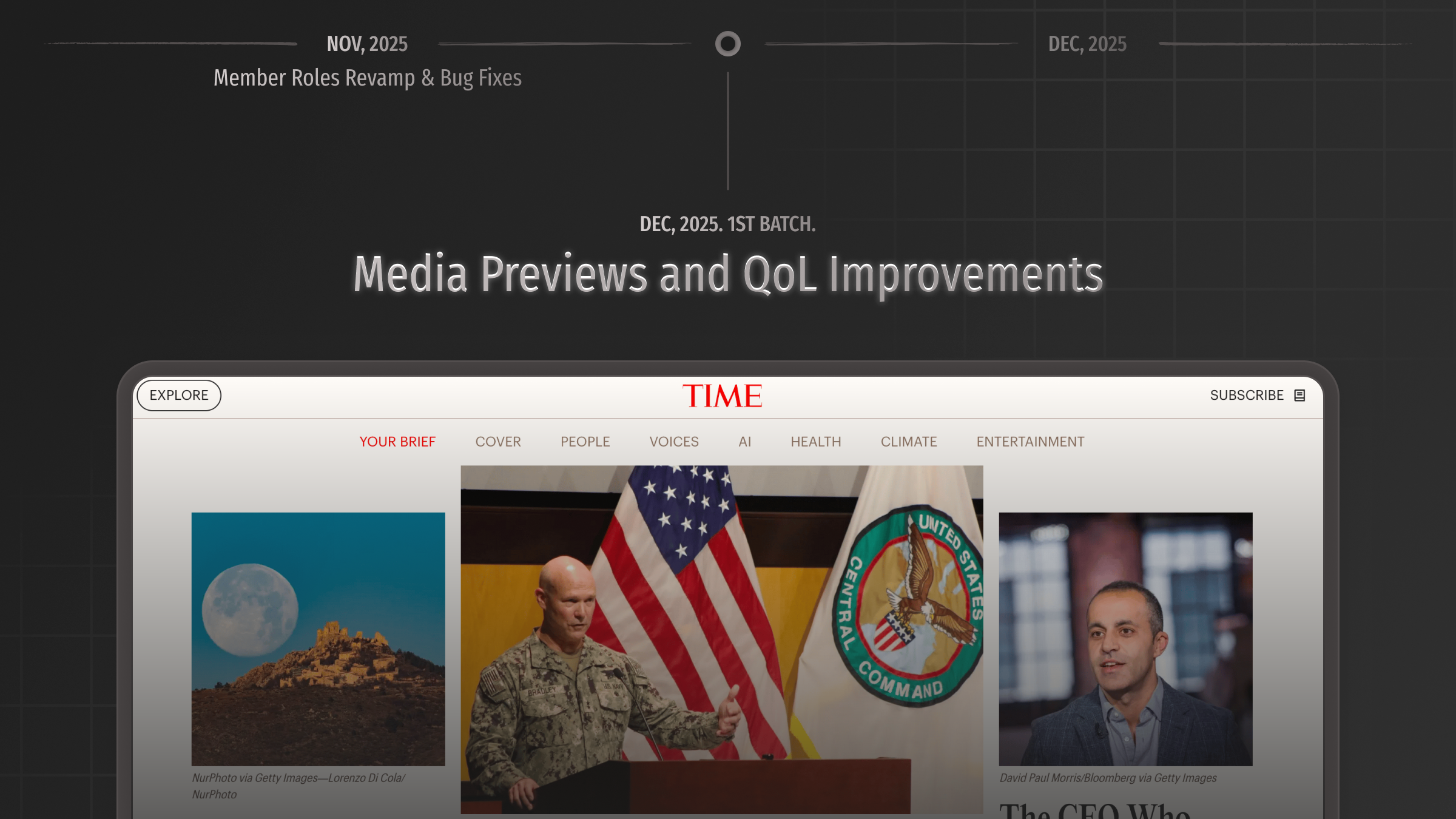
Introducing media website previews. You no longer need to actually visit each media outlet to see if it suits you; everything is now visible on the offer page. Instead of just showing metrics and conditions, you now see a large, clear screenshot of what the media actually looks like.
We are now focused on updating previews for our best offers, but over time, we will cover all our media.
Kudos to Yerkebulan, and Pavel for shipping this update.
Improvements
MarketplaceThe offer page now shortly explain the publishing flow.MarketplaceSome offers now include descriptions that clarify certain terms and provide details about media and placements.MarketplacePavel and Yerkebulan added the final price with the clients service fee included on the offer page right above the "Add to Cart" button.MarketplaceRodion has resolved a long-standing issue, so the marketplace header now remains fixed regardless of how many columns the table displays. This makes it much easier to explore.MarketplaceAdded proper context to text volume requirements—you'll now see clear tooltips explaining when your content is below minimum or above maximum limits, with updated condition displays showing ranges like "Between 1,000-2,000 symbols." Bear in mind, that some offers set limits in words instead.CartIn the booking flow, we now display Medialister's Trustpilot rating along with a few other helpful features.Media managementPreviously, it was possible to add the same domains to an organization if they were added with different media types. Now, we prevent this behavior.Media managementWhen media has no offers, we now display an "Add Offer" button directly in the media table. This serves as a quick shortcut and a prompt for the next action.Offers managementArtur made it so that the listing status can be changed now right from the table without going to the offer three-dot menu. The three dot menu was removed and the editing button was placed right into the table.Offers managementIf the verification (KYB) is incomplete or a related media is still under review, a relevant tooltip will appear with the status, explaining why an offer can't be listed.Offers managementWhen trying to list multiple offers with parent media under review, the 'Change Status' button is disabled and displays a tooltip explaining why.OrdersNow, media that require your attention, such as new orders or new messages, will appear at the top of the media list in the hamburger menu.OrdersCents are now displayed for earnings within orders.Design improvementAll tables now have headers that remain fixed at the top while scrolling, including the transactions table and the recommendations in the cart.
Fixes
MarketplaceThe conditions regarding backdated content, meta tags, and the tracking pixel were moved from the accepted topics section to the conditions section.MarketplaceProper rounding for prices with cents is added.CartFixed recommendations taking too much space and dominating over the actual cart.CartFixed a bug where checkboxes did not work correctly for newly added items when grouped by media.MetricsFixed an issue where some maximum metric values to chose from in the filters appeared as unrealistically high billions.Media managementOffers managementThe tables now appear correctly after a page refresh, with proper loading states.Offers managementFixed a bug causing an offer delisting after its editing in some cases.OrderLong placement links will no longer extend off the screen and will be properly truncated.Design fixDate formats are now everywhere set toNovember 28, 2025.